Listeners fire when a specific event occurs in a State Machine. Listener Action Scripts let you run custom logic in response to those events. Use Listener Action Scripts when you need to perform side effects—such as updating view model values, responding to pointer input, or triggering external behavior—without changing state.

Creating a Listener Action Script

Create a new script and select Listener Action Script as the type.

Anatomy of a Listener Action

type MyListenerAction = {
  context: Context,
}

-- Called once when the script initializes.
function init(self: MyListenerAction, context: Context): boolean
  -- Context gives you access to your main view model and other data.
  self.context = context
  return true
end

-- Called when the Listener fires.
-- Use this to perform side effects (no return value).
function perform(self: MyListenerAction, pointerEvent: PointerEvent)

end

-- Return a factory function that Rive uses to build the Listener Action instance.
return function(): ListenerAction<MyListenerAction>
  return {
    init = init,
    perform = perform,
    context = late(),
  }
end

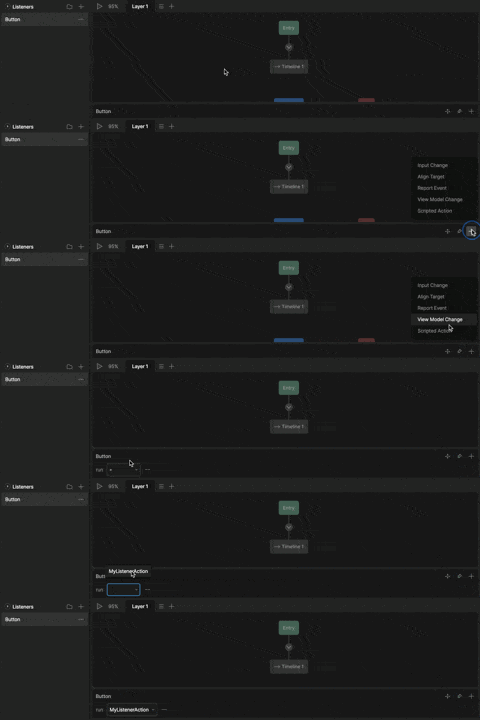
Adding your Listener Action

1

Select a Listener

2

Click + and select Scripted Action

3

From the Run dropdown, select your script

Add a custom listener action

Script Inputs

Inputs let you add parameters to a listener action without changing script logic—making the same script reusable across different listeners. For more information on adding inputs to your scripts, see Script Inputs.
Inputs can control scripts, but scripts can’t change the value of inputs.If you need to control a view model property from your script, access the Main View model through context or View Model Inputs.

Setting an Input

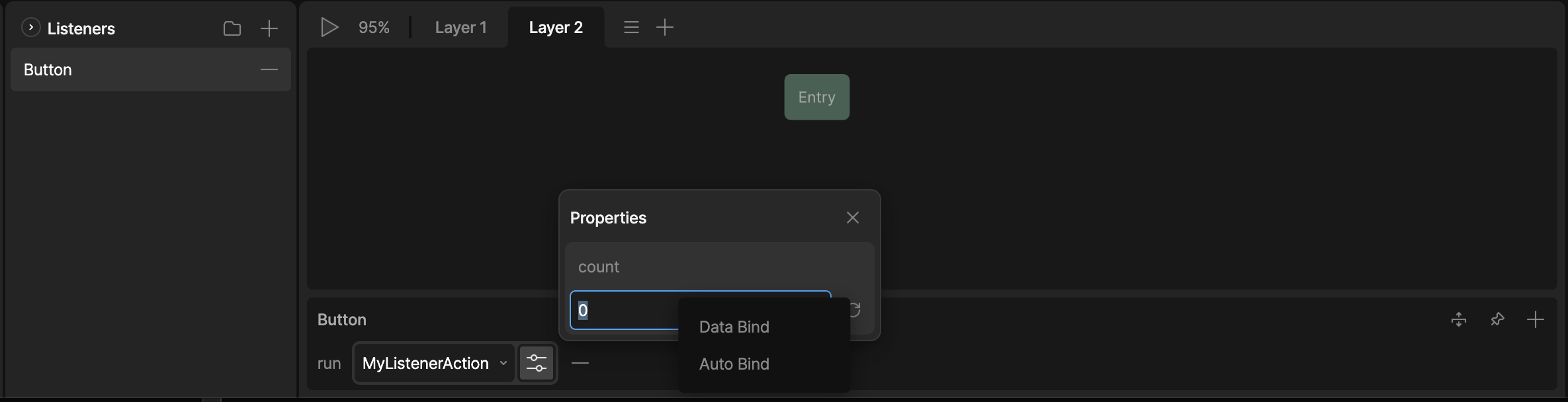
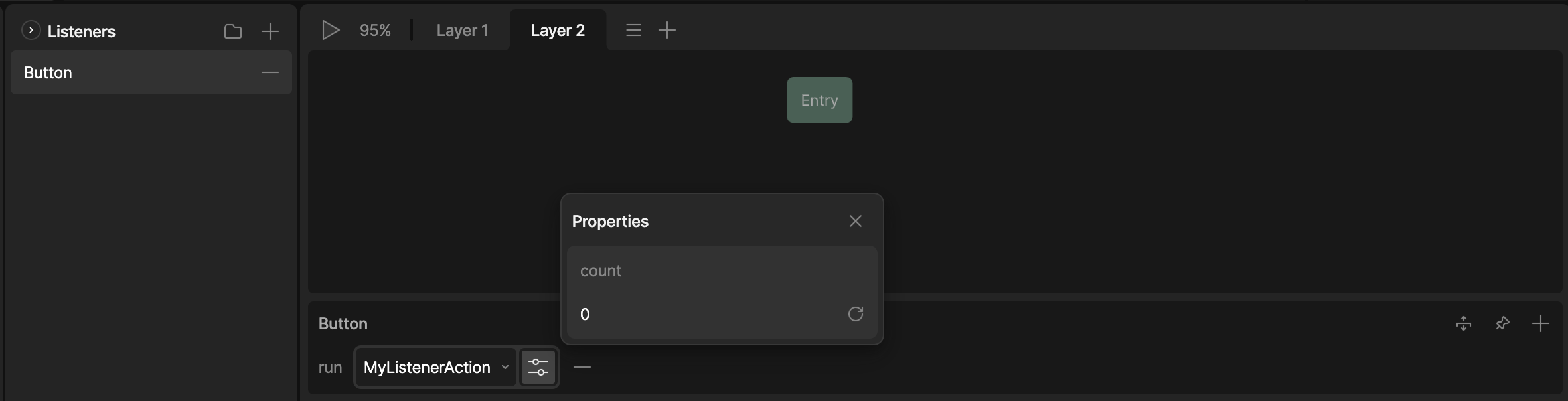
To set the value of an input, select the Properties icon next to the listener script. listener action script inputs
Data Binding an Input

Right-click your property and select Data Bind to bind your input to a view model property. listener action script inputs